
Android Installation & Update Guide
Install and Update HA777Android Setup and Troubleshooting
On the HA777 homepage, tap Download to open the guided download popup and follow the instructions for your device. Android users can use the setup, update and troubleshooting steps below. iPhone users should follow the iOS instructions in the popup rather than the Android APK steps.
- APK Setup
- Updates
- Common Errors
- Account Help
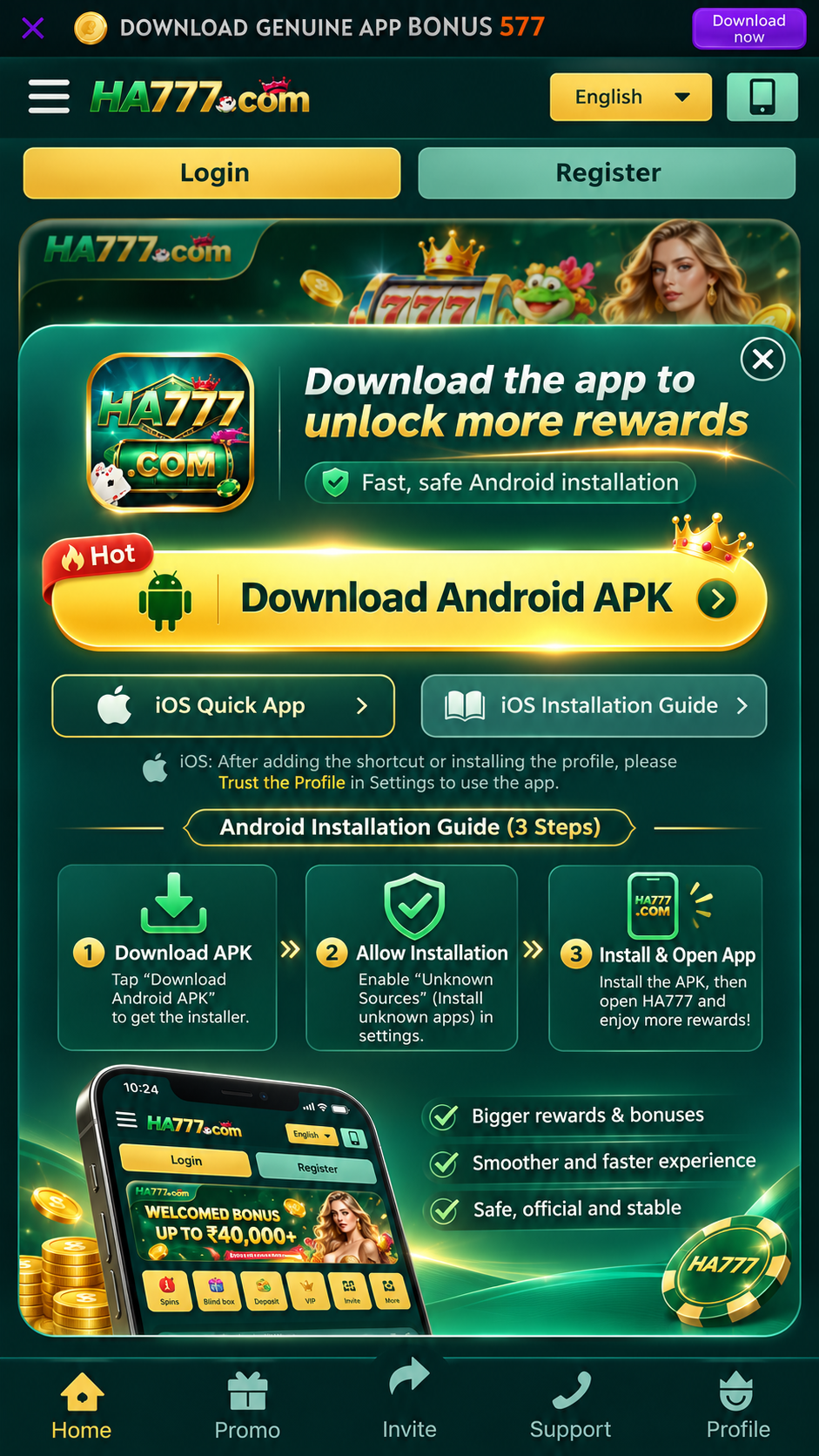
HA777 Android and iOS app access
Which Instructions Do You Need?
| Your situation | Next step |
|---|---|
| No installation file yet | Use the HA777 download guide to find the platform download entry. |
| Android APK already downloaded | Check that the file is complete, then follow the Android setup steps below. |
| HA777 already installed | Use the update section before replacing the installed version. |
| Using an iPhone | Follow the iOS option or instructions displayed by HA777; an APK is not an iOS installer. |
Before Setup
Prepare YourAndroid Device
Keep the saved file, your account details and the device installation prompt ready.
Complete Download
Check the browser download list or Files app. A partially downloaded file is not ready to install.
Available Storage
Leave room for the App, updates and game resources, not only the APK file.
Device Requirements
Compare the Android version and device requirements shown with the current package before starting setup.
Existing Account
Keep your login details available. You do not need to create another account just to update the App.
Android APK Setup
Install HA777Step by Step
These steps apply when the platform provides an Android APK. If it offers another installation method, follow that method rather than treating every prompt as an APK download.
Find the Saved APK
Wait for the download to finish, then locate the file in the browser download list or Files app.
Open and Review
Open the APK and read the installer details and any device prompt before continuing.
Check Any Permission Prompt
If Android requests installation permission for the browser or file manager used, review the source before deciding. Keep Play Protect enabled. If a security warning appears, stop and check with support.
Complete Installation
Follow the Android installer prompts. Once setup completes, open HA777 from the displayed Open option or the App icon.
Use Your Account
Sign in with your existing account, or follow registration if you are new. Check that you can reach the account screen before continuing.
Using an iPhone?
Open the HA777 platform and follow its iOS access or installation instructions. Do not use the Android APK steps for an iPhone. If an iOS option is not shown, continue in the website and ask platform support for the appropriate access method.
Troubleshooting
Installation Problemsand What to Check
Use the exact message displayed by your device to choose the next check.
Cannot Find the File
Check Downloads in the browser and Files app. If the file is incomplete, return to the platform entry and download it again.
File Cannot Be Opened or Parsed
Check whether the download finished and whether the package matches your device. Use the current platform entry to retry; keep the error message if it fails again.
Installation Is Blocked
Read the device message and check the source and requirements. Do not switch off device protection just to dismiss a warning; ask support to clarify the next step.
App Does Not Open
Restart the device, check available updates and try again. If it still fails, keep the displayed error and contact platform support.
Details That Help Support
- Device model and Android version.
- The exact error or a screenshot.
- Whether the issue happened during download, installation, update or login.
- The download entry and package version, if displayed.
Do not send passwords or verification codes. Enter HA777 through Login and open its customer support entry.
Existing Installation
Update HA777Without Starting Over
An App update and a new account registration are different tasks. Keep your existing account details before changing the installation.
Check the Current Update Entry
Open HA777 and use the update or download option supplied by the platform. Read any version and device information displayed.
Follow the Installer
If an APK update is provided, wait for it to download fully and follow the update prompts. If a conflict or security warning appears, keep the message and ask support rather than uninstalling immediately.
Reopen and Sign In
Open the updated App and use your existing account. If you cannot sign in, follow Login Help instead of creating a duplicate account.
Installation Help
HA777 InstallationQuestions & Answers
What Android version do I need?
Check the Android version and device requirements supplied with the current package. If your device is not listed or the installer reports an incompatibility, ask platform support before trying again.
Where is the APK after downloading?
Check the browser download list and the Downloads folder in your Files app. Open it only after the download has completed.
Should I disable Play Protect to install HA777?
No. Keep device protection enabled. If installation is blocked or a warning appears, read the message and ask platform support to clarify the source or compatibility issue.
How long does installation take?
It depends on the device, package and available storage. If the installer shows an error, use that message to troubleshoot rather than repeatedly starting setup.
Do I need a new account after updating?
Use your existing HA777 login. If access fails after an update, use Login Help or contact platform support before creating another account.
Can iPhone users follow this APK guide?
The APK setup steps are for Android. iPhone users should follow the iOS access instructions shown by HA777 or use its website.
Next Step
Get the App Entryor Resolve a Setup Problem
Use the download guide if you need the platform entry. If setup still fails, enter HA777 through Login, open customer support and describe the device message.